New product or redesign
Before investing in development, you need to see and test the interface.

An online tool for interface design, prototypes and design systems. We choose it because client and team work in one file, and changes happen while cheap.

A change in finished code costs far more than a change in a mockup. Figma lets you see and test the product before development: the client comments in the file, and developers take specs from it.
Before investing in development, you need to see and test the interface.
The owner, marketing and product need to comment on designs in one place, not in email threads.
A design system is needed so new pages and features look consistent.
Layouts for every screen, from mobile to desktop, approved before coding.
Clickable prototypes of key flows for testing with users.
A library of components and styles shared by designers and developers.
Dev Mode with sizes, styles and graphics export.
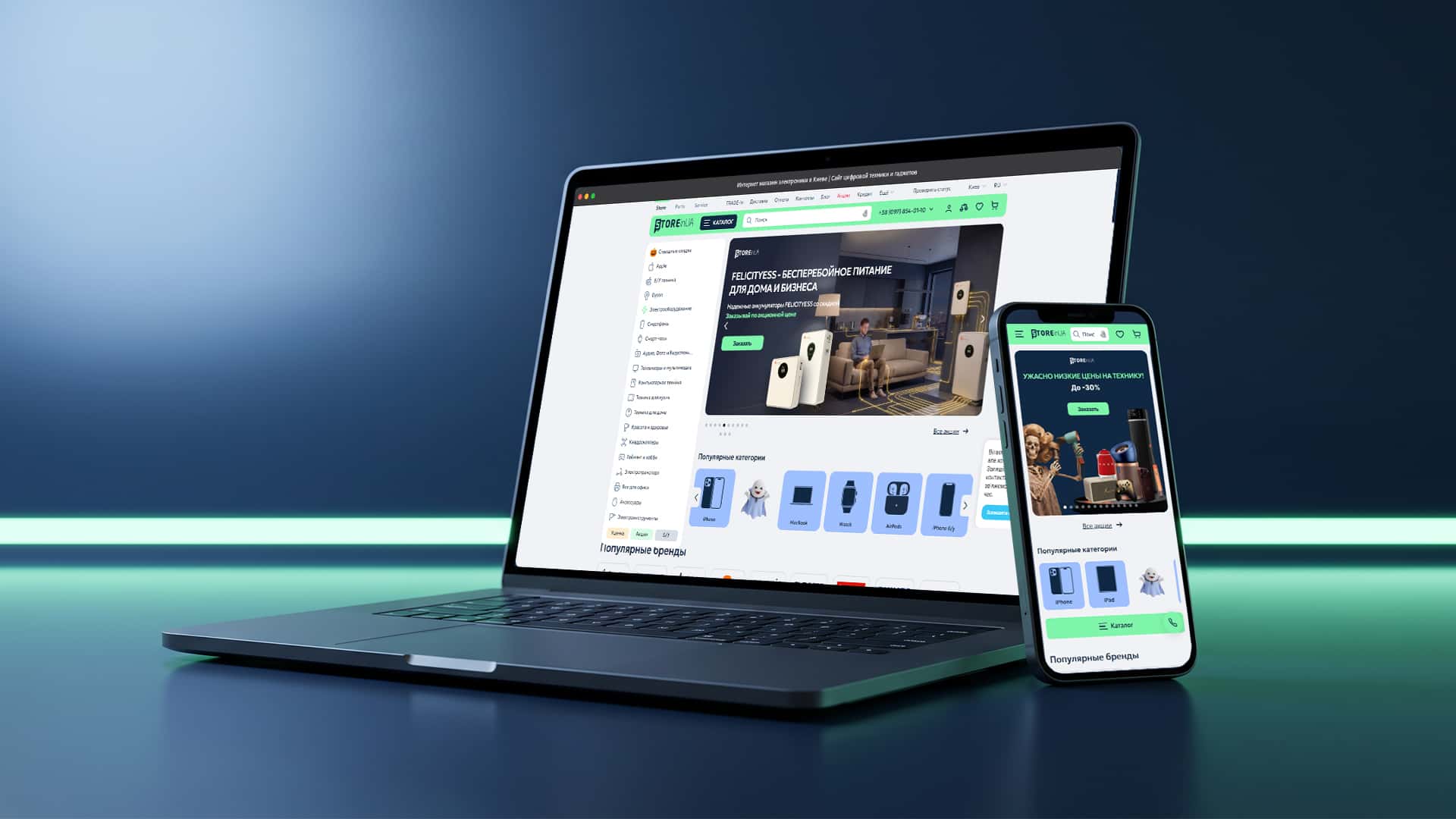 OCTOBER 2026eСommerce / DEVELOPMENT
Purchase conversion up from 1.4% to 3%: a new platform for 1M+ products with no sales stoppage.
Book a Clarity Session—a 30-minute review of your marketing. You will receive a map of bottlenecks and a clear understanding of the next steps.

Clarity first. Then — managed and systematic growth.
The team took a professional approach to upgrading site, ensuring high-quality project delivery without interrupting the store’s operations.
 Nikolay LuchinskyRetail Director / STOREinUA
No. A link and a free account are enough to view and comment on designs. We maintain the working files and, by agreement, hand them over to you when the project is done.
Yes. In Figma we build a clickable prototype that looks and behaves like the real product. You can show it to users or investors and find weak spots before any code is written.
Photoshop is built for working with images, Figma for interfaces: components, responsive layouts, prototypes and real-time collaboration. The client sees the current version via a link, and developers take specs straight from the design.
It depends on the number of screens and the complexity of the flows. A landing page is designed much faster than an app with a client area. We set timelines once the structure and key flows are fixed, and we can go through this in a Clarity Session.
UI design in Figma at GVSPACE starts with structure and user flows: what the user needs to do on the site or in the app and what gets in the way. Then we create layouts, clickable prototypes and design systems that the client reviews and comments on online. This is how we work on websites, landing pages, mobile and web apps, and developers get ready specs straight from the designs.